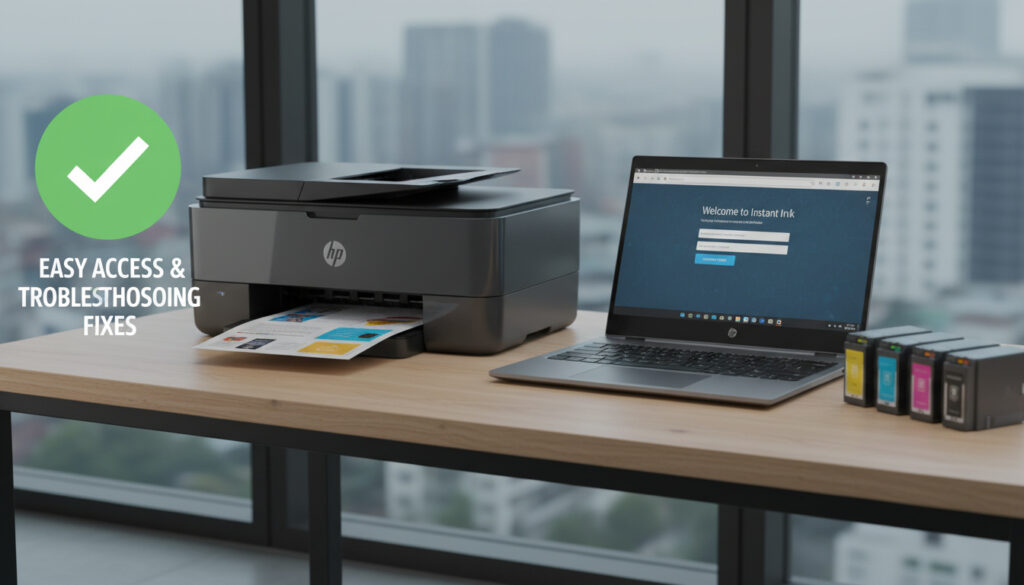
HP Instant Ink Login – Step-by-Step Guide and Fixes
HP Instant Ink subscribers need reliable access to their accounts to monitor ink levels, manage billing, and maintain uninterrupted printing service. The login process serves as the gateway to subscription controls, requiring specific credentials and network conditions to function properly.
Accessing the service demands an active HP account linked to an enrolled printer, with connectivity options extending beyond traditional web browsers to mobile applications. Understanding the precise steps and technical requirements prevents common access failures and ensures users can leverage the automatic ink delivery system effectively.
How Do I Log In to My HP Instant Ink Account?
instantink.hpconnected.com
Valid HP account credentials
HP Smart app integration
Automatic ink delivery management
- An active internet connection is mandatory for both web and app access
- Printers must maintain Wi-Fi connectivity; USB-only configurations block functionality
- The HP Smart app streamlines mobile account management
- Login credentials match the standard HP account ecosystem
- Printer PIN entry may be required during initial device enrollment
- Web Services must remain enabled on the printer hardware
| Aspect | Specification |
|---|---|
| Official Portal | instantink.hpconnected.com |
| Account Type Required | HP Account (unified) |
| Network Protocol | Wi-Fi (USB unsupported) |
| Mobile Alternative | HP Smart app |
| Printer Registration | Mandatory for service activation |
| PIN Location | Inside cartridge access area or door |
Why Is My HP Instant Ink Login Not Working?
Access failures typically stem from network misalignment, disabled Web Services, or credential mismatches. Start by checking your hardware connectivity and account status before attempting to reset your password.
How Do I Reset My HP Instant Ink Password?
Password recovery initiates through the “Forgot Password” link on the login page at instantink.hpconnected.com, triggering email-based reset instructions. Within the HP Smart app, users navigate to Account > Manage HP Account and follow the recovery prompts. For comprehensive account diagnostics, check dashboard status via HP Smart > Account > Printers or HP Instant Ink > Overview.
USB-only connections prevent Instant Ink functionality entirely. An orange cloud icon in the HP Smart app indicates this limitation. Users must disconnect USB cables and establish Wi-Fi connectivity to restore account access and service monitoring.
What Steps Resolve Persistent Login Failures?
Verification begins with confirming the printer and access device share the same Wi-Fi network. Check printer status through the HP Smart interface by selecting the printer image, navigating to Settings, then Advanced Settings. If Web Services are disabled, access the printer’s Home page > Web Services tab, enter the device PIN when prompted, and enable the service.
For printing interruptions unrelated to login, remove and reinsert ink cartridges, update firmware, and verify network stability. When the printer displays no internet connection, reconnect to Wi-Fi, reset network settings if necessary, and re-add the device in the application. HP support documentation provides additional hardware-specific guidance.
What Is HP Instant Ink?
HP Instant Ink operates as a subscription-based ink replacement service for eligible HP printers. The system monitors page usage remotely and automatically ships replacement cartridges before existing supplies deplete, billed monthly regardless of actual consumption.
How Does the Service Operate?
Eligible printers transmit usage data to HP servers, triggering fulfillment when levels drop below operational thresholds. Enrollment requires compatible hardware, persistent internet connectivity, and an active HP account for web services integration including ink level monitoring and print job authorization.
The service requires continuous internet connectivity to maintain the monitoring pipeline and authorize cartridge functionality. Interruptions in connectivity may delay ink shipments and suspend account access features.
How Do I Manage My HP Instant Ink Subscription?
You can manage your account through the HP Smart app or the web portal. Users review subscription status, modify plans, and update payment information through these interfaces, with cancellation options available through the same authentication pathways.
Can I Access HP Instant Ink Through the HP Smart App?
Yes. The HP Smart app integrates full account management capabilities. After opening the application, users click the Account icon or their initials, then select Manage HP Account or Sign In to access subscription controls, ink level monitoring, and printer status dashboards.
How Do I Cancel HP Instant Ink?
Cancellation requires signing in at instantink.hpconnected.com, navigating to Account or Subscription settings, and selecting Cancel Subscription. The process may generate a prorated final bill depending on billing cycle timing.
Canceling Instant Ink terminates automatic ink delivery. While standard printers may revert to conventional cartridge use, HP+ printers require an active Instant Ink subscription or equivalent service to maintain full functionality, according to HP documentation.
What Is the Typical Setup Sequence for HP Instant Ink?
Enrollment follows a structured progression from account creation to active service monitoring.
- HP Account Creation: Establish credentials at the HP account portal.
- Printer Enrollment: Link eligible device to the account via printer PIN entry.
- Initial Authentication: Access the Official Portal URL or mobile app to activate monitoring.
- Fulfillment Initiation: System automatically triggers initial cartridge shipment based on enrollment tier.
What Is Definitive About HP Instant Ink Login Requirements?
| Established Information | Information Requiring Clarification |
|---|---|
| Valid HP account credentials enable web portal access | Specific duration of grace periods after payment failure |
| Wi-Fi connectivity mandatory for service functionality | Regional variations in PIN reset procedures |
| HP Smart app provides alternative access method | Exact firmware version minimums for Web Services |
| Password recovery available via email reset | Account recovery options beyond password reset |
Why Does HP Instant Ink Require Account Authentication?
The login framework serves as the security layer protecting subscription data and printer communications. Account linkage enables the cloud-based monitoring necessary for automated inventory management and billing processing.
This authentication structure ensures that sensitive information—including payment details, shipping addresses, and usage patterns—remains accessible only to authorized users. The requirement for persistent internet connectivity stems from the real-time data transmission between printer and servers, facilitating the predictive algorithms that trigger cartridge shipments.
What Do HP Support Resources Indicate About Account Access?
HP documentation emphasizes that successful login requires alignment between account credentials, printer registration, and network stability. Support materials indicate that most access failures stem from network configuration issues rather than credential errors.
“Ensure your printer and device are on the same Wi-Fi network, not USB-only, as this limits Instant Ink functionality.”
HP Support Video Documentation
“For persistent issues like ‘portal not working,’ ensure latest HP Smart app/firmware and active internet, as services rely on it.”
HP Technical Support Guidelines
How Do I Begin With HP Instant Ink Account Access?
Start by verifying your HP account credentials at the Official Portal URL, ensuring your printer maintains Wi-Fi connectivity rather than USB connection. Download the HP Smart app for mobile management, and locate your printer PIN inside the cartridge access area before attempting initial enrollment.
Frequently Asked Questions
Is HP Instant Ink account access free?
Account portal access incurs no separate charge, though the Instant Ink subscription requires monthly payment based on selected page tiers.
Do I need a printer serial number to log in?
Standard login requires only your HP account email and password. However, enrolling a new printer requires the printer PIN found inside the cartridge access area or door.
Can I access my account if my printer is offline?
Web portal access remains available for subscription management, but real-time ink level monitoring and certain printer-specific features require the device to maintain internet connectivity.
What happens if I forget my HP account email?
Official documentation does not specify email recovery procedures. Users experiencing this issue should contact HP Support directly for account verification assistance.
Does the HP Smart app require separate credentials?
No, the HP Smart app utilizes the same HP account credentials as the web portal, providing seamless integration between mobile and desktop access.
Why does my printer need a PIN during setup?
The printer PIN verifies physical ownership and links the specific device to your account, preventing unauthorized enrollment of hardware.
Can I cancel Instant Ink immediately after logging in?
Yes, authenticated users may initiate cancellation through Account settings, though billing implications depend on your current cycle and may include prorated charges.
More related posts
 Rick and Morty Season 8 – Release Date, Episodes, Cast
 You Reap What You Sow: Meaning, Bible Verses & More
 Xbox ROG Ally X: Specs, Price, Battery Life & Comparison
 Dawn of the Black Hearts Cover: Facts and History
 San Antonio Spurs vs Orlando Magic Match Player Stats (Feb 1)
 Normal Heart Rate for Women by Age: Healthy Ranges & Red Flags
 Brazil National Football Team 2026: Neymar, Squad, and History
 Jack Smith Special Counsel: Resignation and Investigation Summary
